Roger app: 10 whole-app ideas
Round 1. Ten different app shells: navigation, home, Jobs, job page, chat. Open one on your phone, tap around. Add ?t=light to any link, or tap the moon. Job numbers and titles are real (Oct 24 queue); questions, times and chat lines are placeholders.
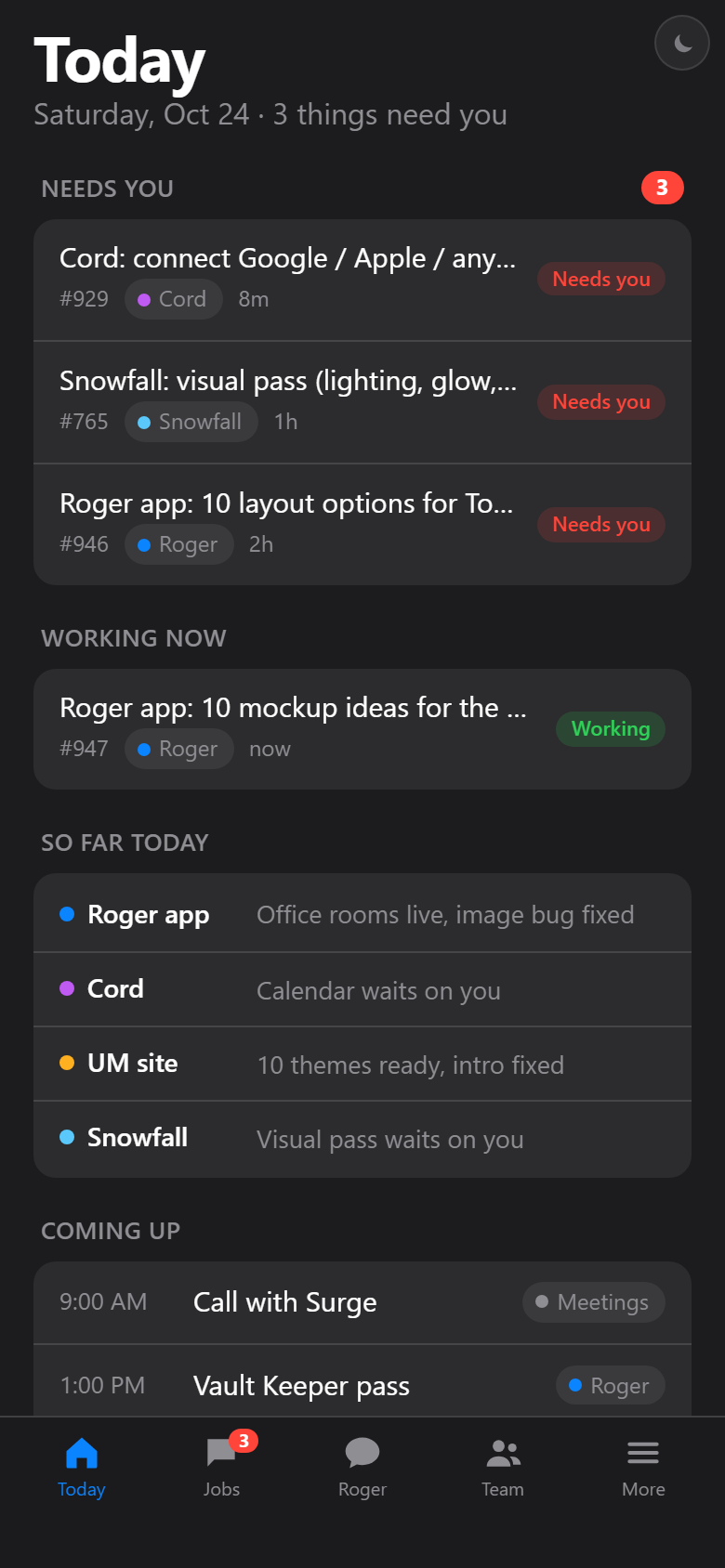
Workspace
Sidebar shell. Everything one tap away on desktop; five tabs plus More on the phone. Job opens beside the list.
Like: Linear / Slack sidebar, Apple Mail split view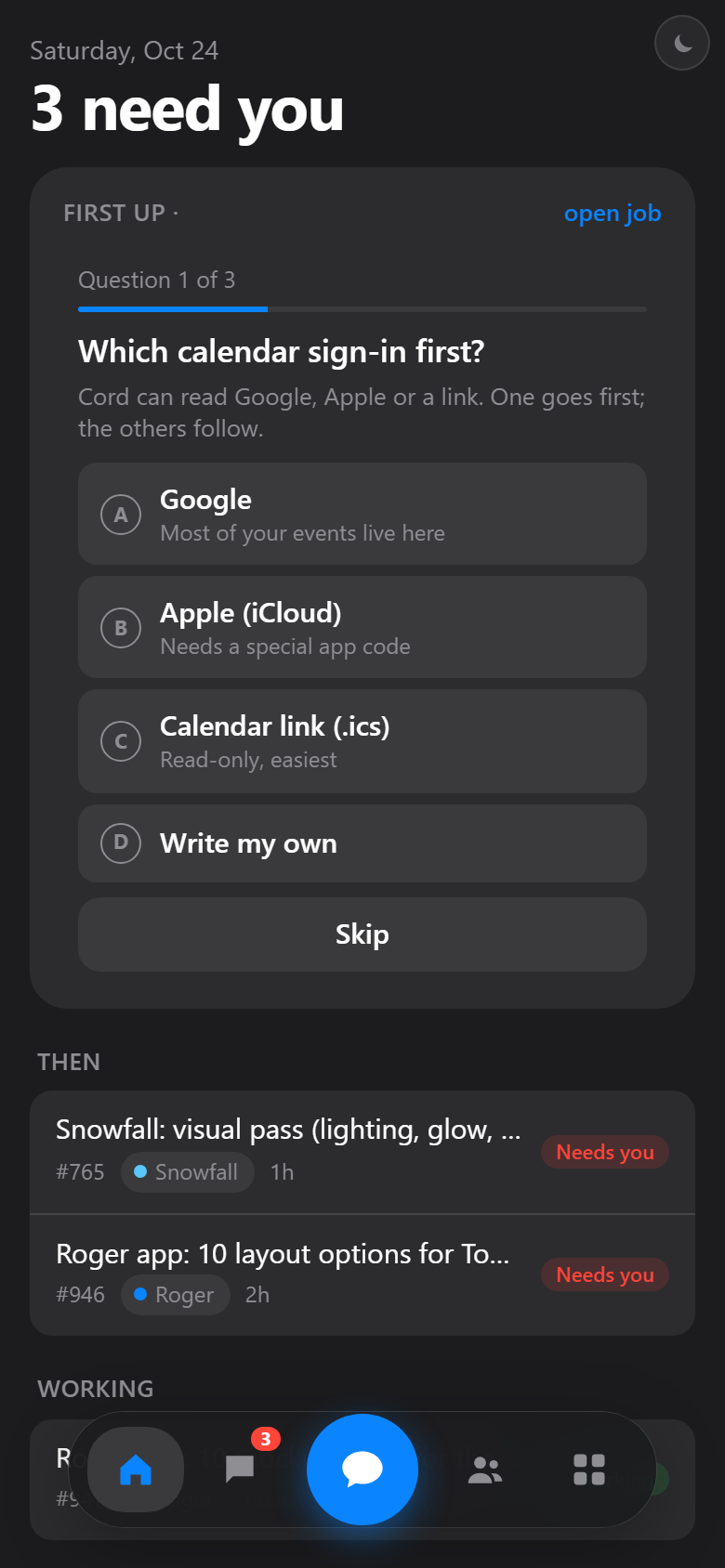
Dock
Phone-first floating dock with one big Roger button. Home is a single stack: the first question is answered right on Today.
Like: iOS floating dock, Arc mobile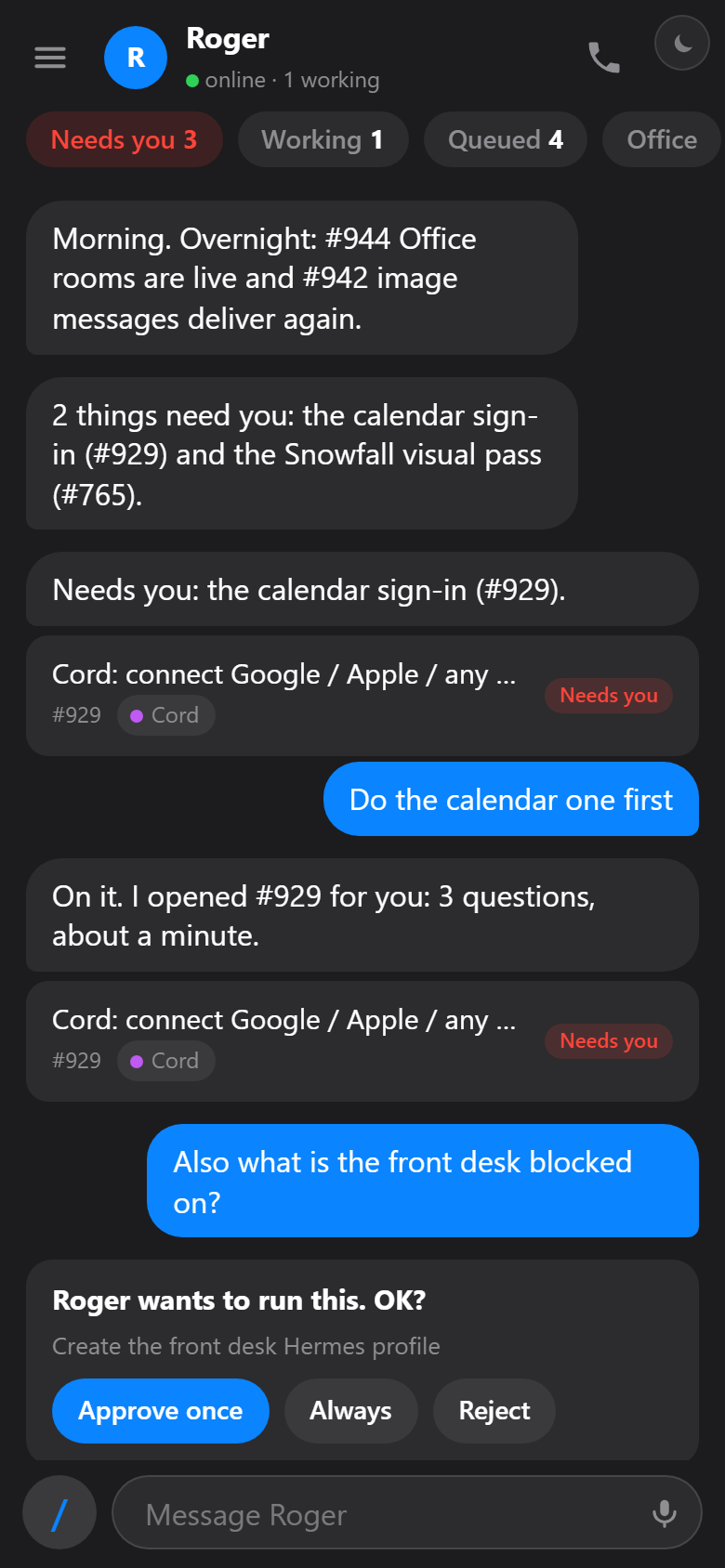
Chat-first
Roger chat is the app. Jobs, questions and approvals live in the thread; a chip rail jumps to lists.
Like: iMessage / Telegram, Raycast AI chat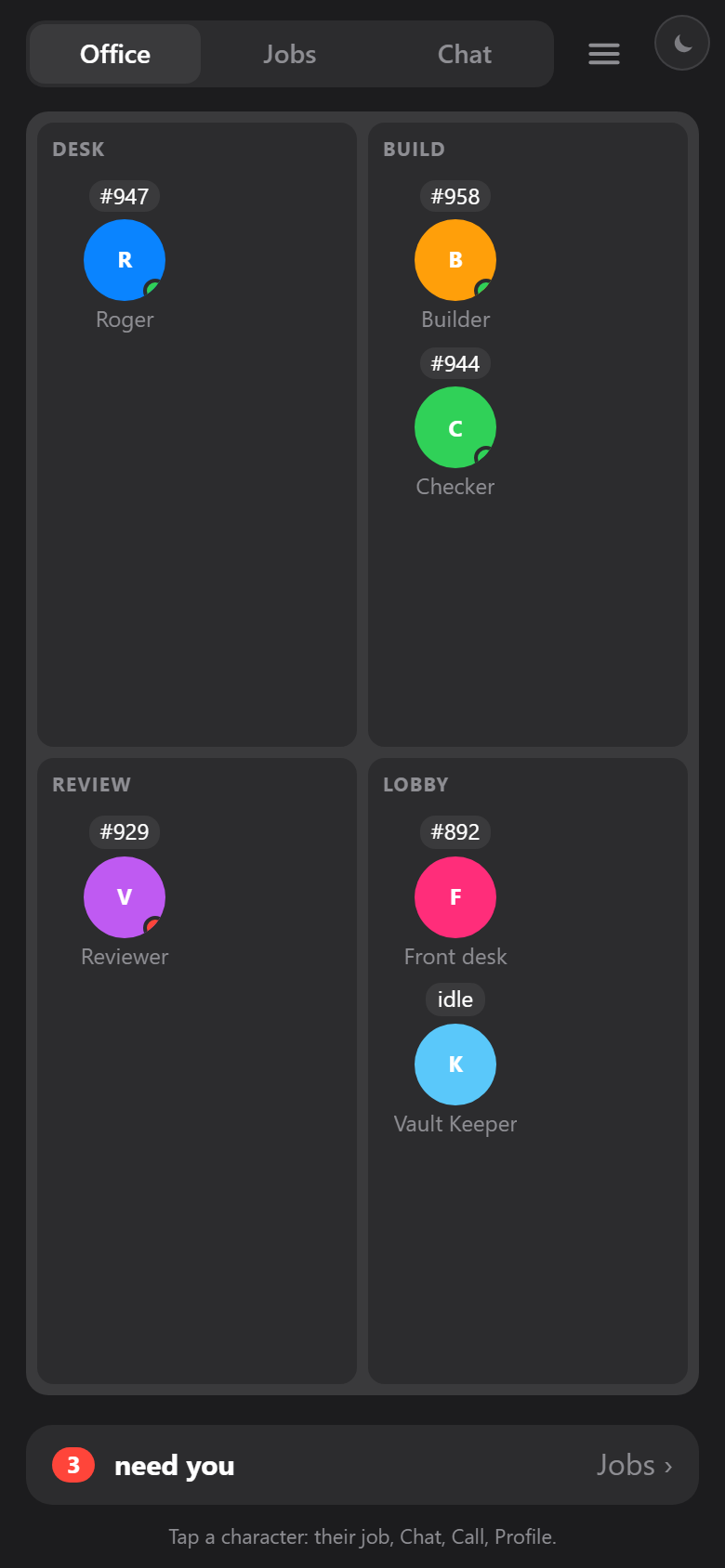
Office
The Simulation office is home. See who is doing what, tap a character, talk to them. Lists live behind the strip.
Like: Habbo / The Sims 1 floor plan, Stardew UI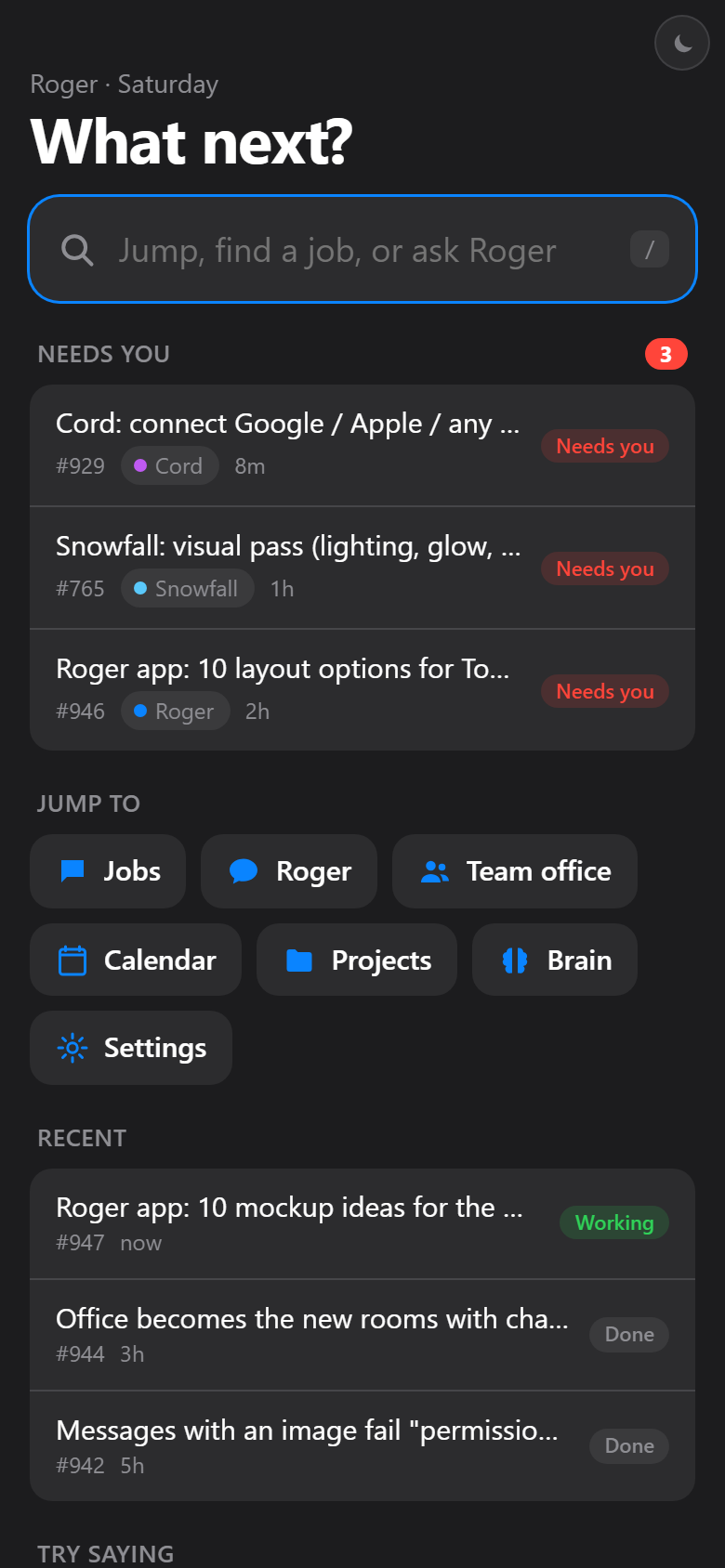
Command bar
No tab bar. One field does everything: type to jump, find a job, or just ask Roger. Needs-you sits under it.
Like: Raycast / Spotlight / Arc command bar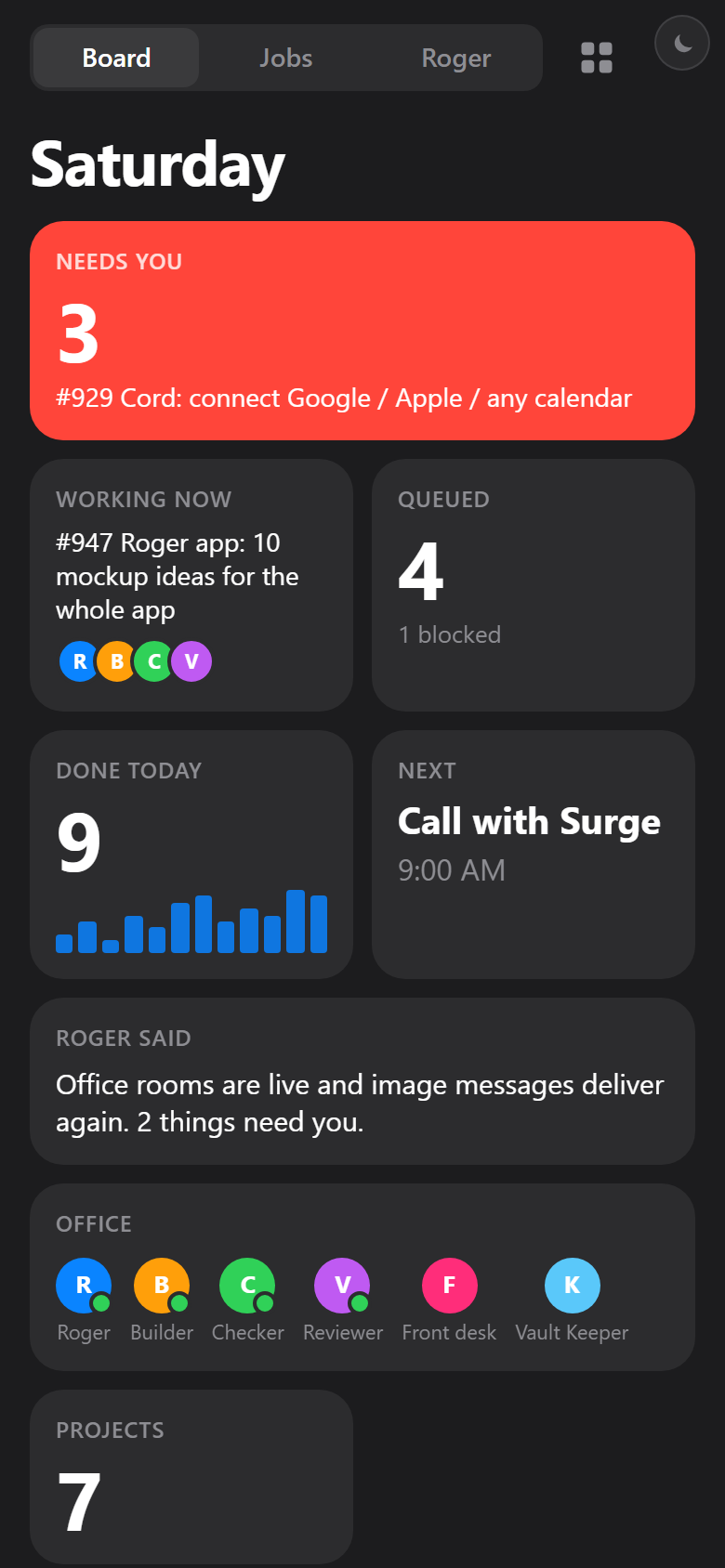
Control room
A dashboard of live tiles. Glance at the whole operation, tap any tile to go deeper. Jobs become columns on a wide screen.
Like: Mission-control wall, Apple Home app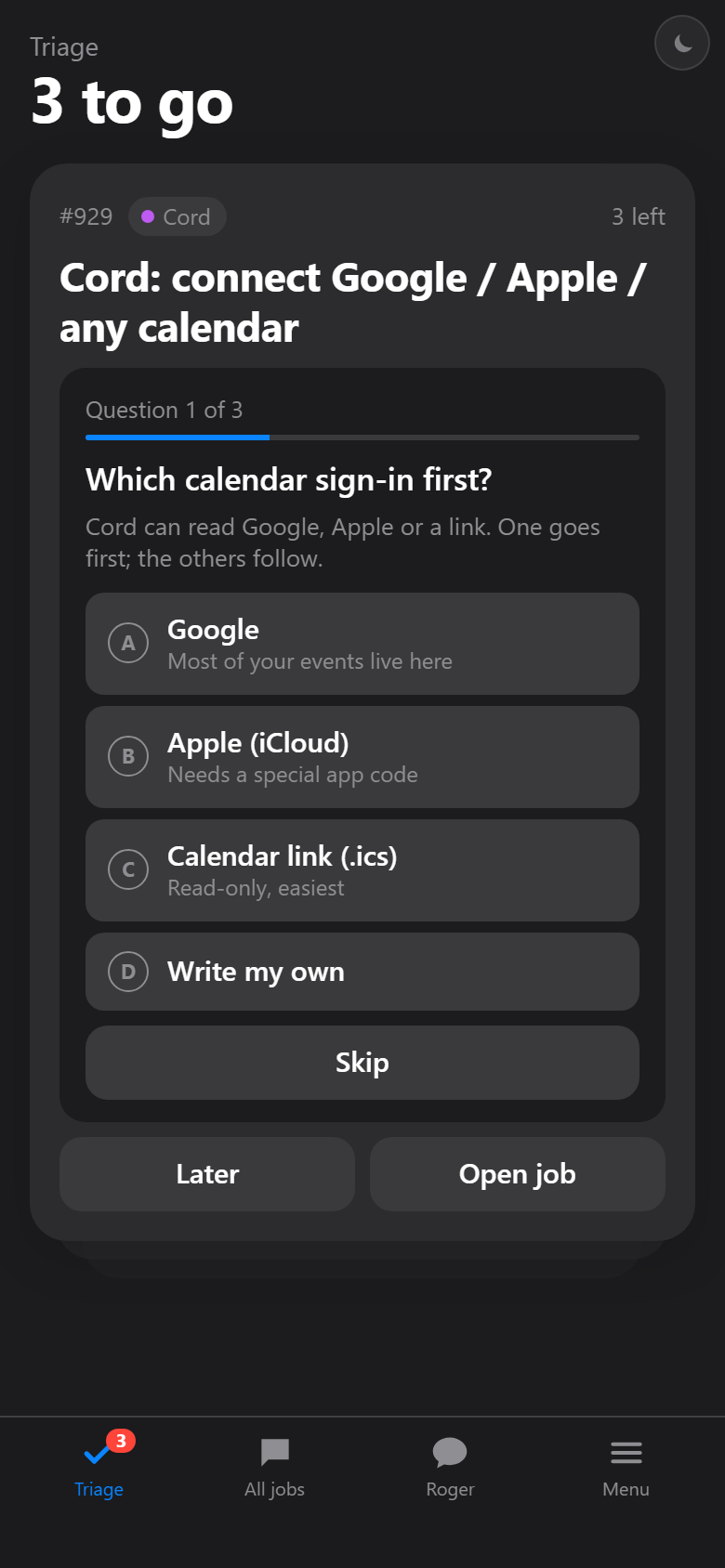
Inbox zero
Home is a triage deck: one thing needs you, answer it, next. When it is empty the app is calm. Everything else is a step away.
Like: Mail triage, Superhuman, Things 3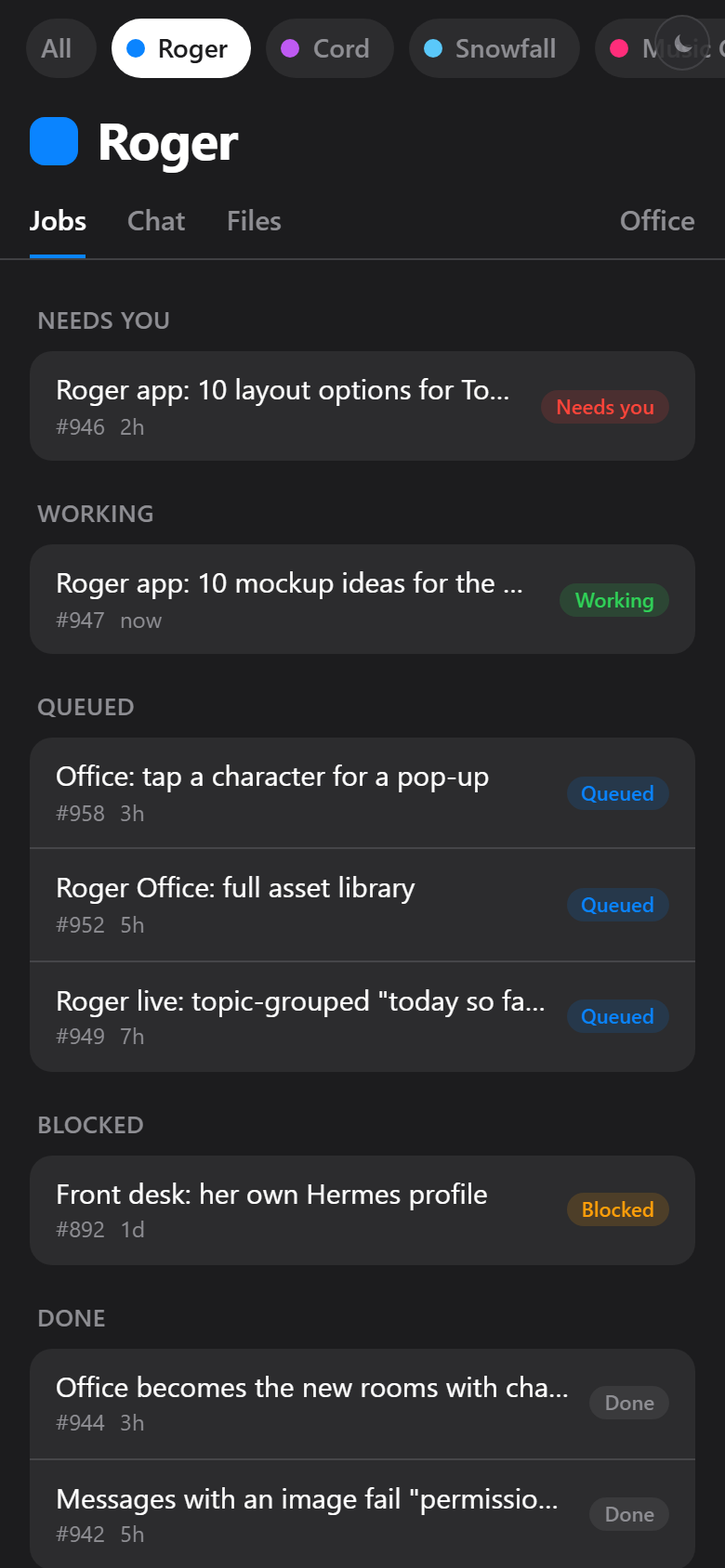
Project spaces
Projects are the top level. Pick a space (Cord, Snowfall...) and its jobs, chat and files are all in there.
Like: Discord / Slack workspaces, Linear teams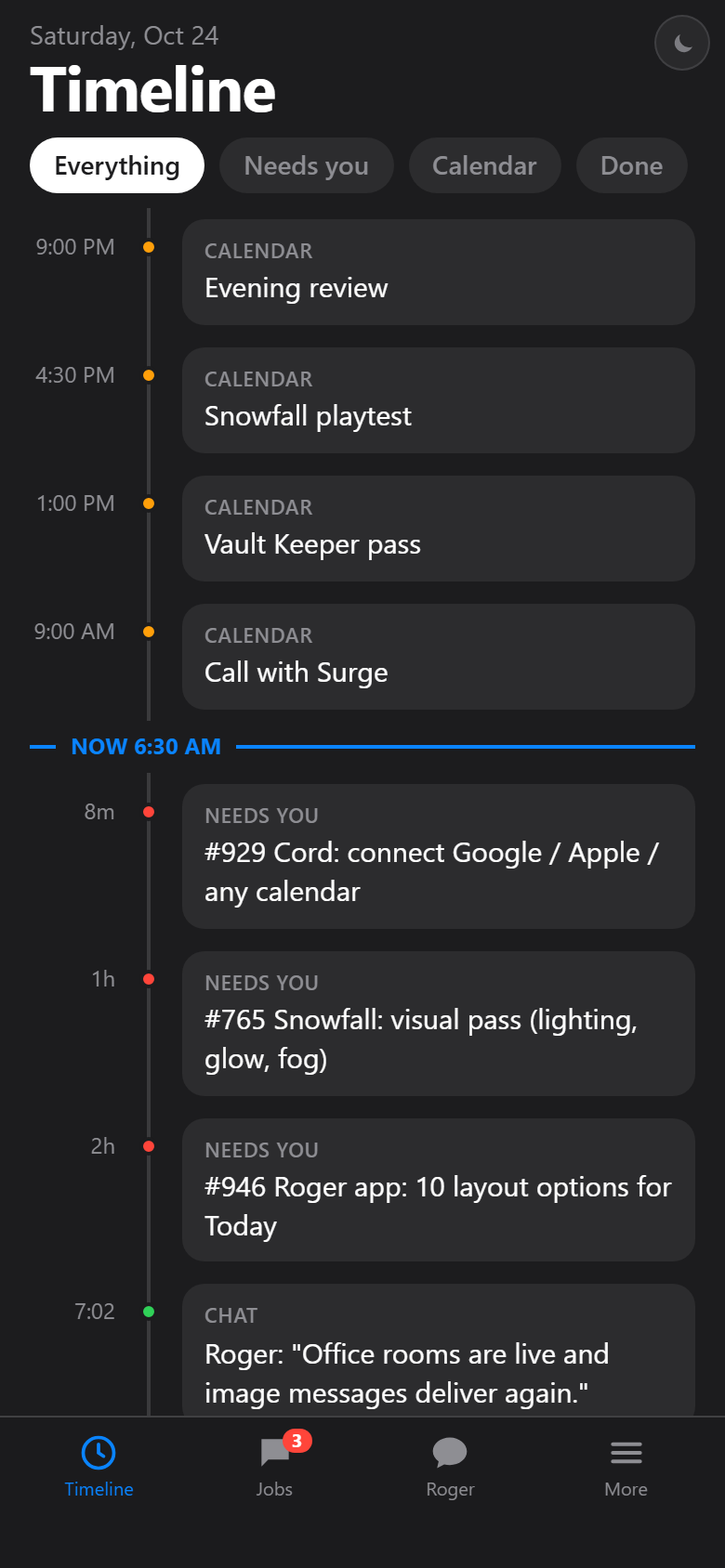
Timeline
One stream, ordered by time: what happened, what is happening, what is next. Jobs, calendar and chat on the same line.
Like: Calendar day view, Apple Fitness activity feed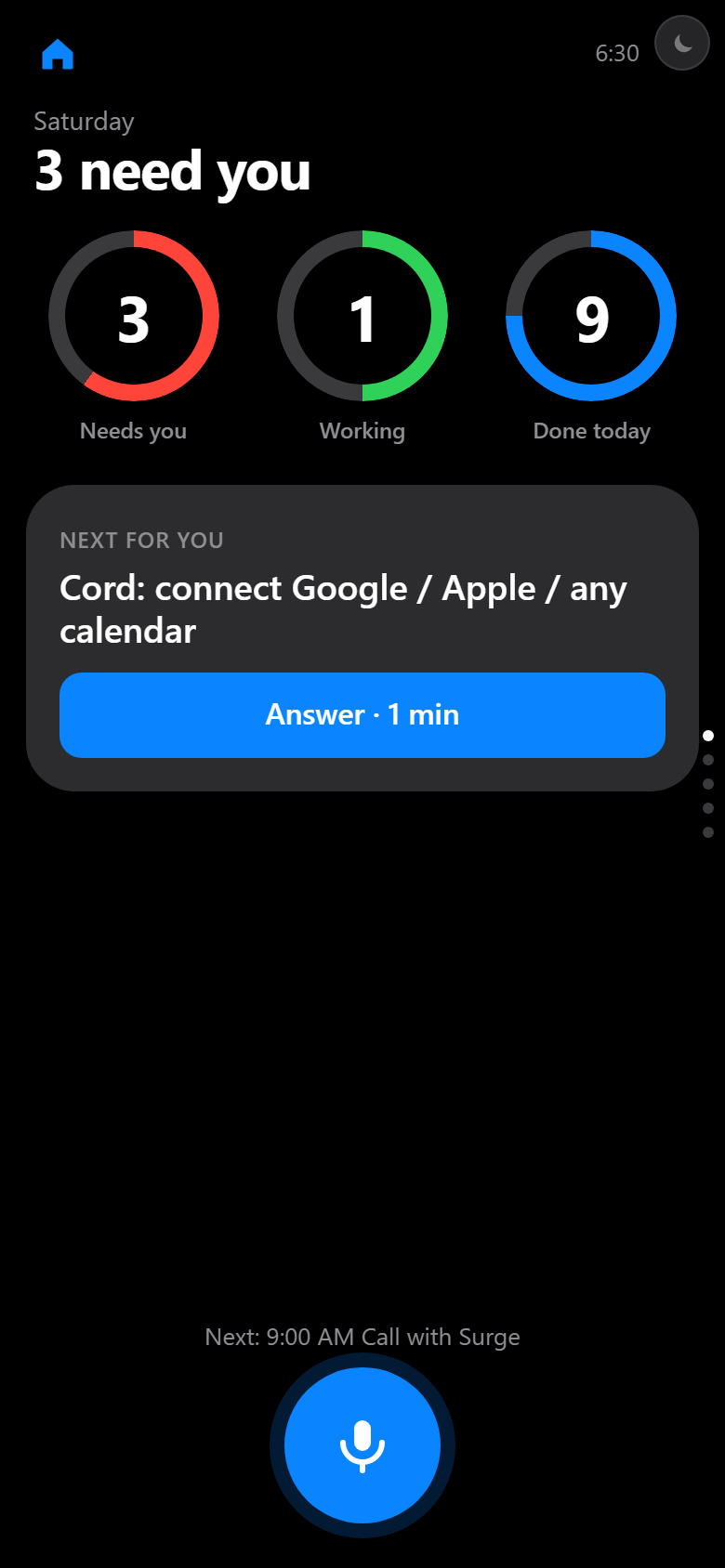
Glance
Watch-style: three big numbers and one next action. One thing per screen, huge type, built for a quick look and a thumb.
Like: Apple Watch Activity rings, Fitbit glanceMockups only. The live Roger app is untouched. Job question cards follow the approved sheet cards v3, the job page follows L2.